OcBox Product Bundles. Product bundles and kits for OpenCart 3 and ocStore: set discount, kit price calculates itself (beta)


User Feedback
OcBox Product Bundles: product bundles and kits for OpenCart
Demo: see a bundle on the storefront and in the admin, no sign-up
On the storefront: the Celebrations product on the demo store, with a bundle block below it, a discount and an Add all to cart button.
In the admin: https://demo.ocbox.com.ua/admin/ login bundlesdemo password bundlesdemo2026
View-only mode: every tab and setting of the module is visible. Changes are not saved.
Stock OpenCart cannot sell kits. A “camera with memory card and bag” has to be created as a separate product with its price counted by hand, and after the first price list update it no longer matches the prices of its parts. On the product page the buyer does not see what usually goes with it and buys the rest elsewhere.
OcBox Product Bundles adds two kinds of bundles to the store. A bundle block on the product page: the parts with photo, price and quantity, an Add all to cart button and a discount for the whole set. And a kit as a regular OpenCart product whose price is calculated from the prices of its parts.
The main idea: sell sets as easily as single products and never count their prices by hand. You know the pain: a set is a separate product, the supplier changed the price of one part, and now the set either loses money or costs more than its parts. Or the buyer takes the camera and gets the bag and memory card from a competitor because they are not visible on the page.
Product Bundles solves it once: a bundle is put together in a minute, the buyer sees the whole set and the saving on the product page and adds everything to the cart in one click, and a kit product’s price recalculates itself as soon as any part’s price changes.
What you get, in detail
A working checklist of what you can do on day one.
What this means in plain words
A security systems store sells a video recorder, cameras, a hard drive and a power supply. Without the module the manager creates a “4-camera CCTV kit” as a separate product, works out the price on a calculator and forgets to update it when the drive price changes.
With Product Bundles the kit is built from existing products, its price comes from their prices and updates itself, and on the recorder page the buyer sees what to take together, what it costs as a set and how much they save.
The buyer sees the whole set and adds it to the cart in one click

Right on the product page you get a bundle block that shows every part with its photo, name, price and a quantity field. Four layouts are available — a card grid, a table with checkboxes, a slider or a category-style view — and the block attaches to whichever page element you pick via a CSS selector, so it fits any theme. Without such a block, companion products stay buried somewhere in the catalogue and the buyer never finds out about them.
A single Add all to cart button underneath the block drops the whole set into the cart in one go. The bundle discount is set as a percentage or a fixed amount, and the block clearly shows the original total, the bundle price and how much the shopper saves. If one of the parts is out of stock or needs required options to be chosen, the module does not add it silently; it tells the buyer exactly what to do. Without that button people click items one at a time and typically abandon the cart around the third.
You put a bundle together in a minute

Building a bundle starts with picking the main product and adding parts through the familiar product search. For every part you set an order, a quantity and a required flag, and separately you pick a price mode (independent, sum of parts, minimum or maximum) and a quantity mode. A minute later the bundle exists inside the store itself, rather than in a separate spreadsheet or in the head of the manager who happens to be on vacation.
Child products can optionally be hidden from category listings while staying reachable via direct link. That way the category does not show the set and all of its parts side by side, and buyers do not get lost between a camera and a camera-plus-kit sitting next to each other.
Dozens of bundles without manual work

At the scale of dozens of bundles manual work is not required. The module can auto-create bundles by model or SKU prefix, has fuzzy product search across name, model, SKU and attribute values, and supports a bulk CSV import. Without any of that, a hundred bundles would have to be clicked together one at a time — in practice nobody ever does it.
AI suggests what to sell together. With an OpenAI key the module analyses your order history and proposes combinations that people actually buy together, and from a short description of a target set it can pick matching catalogue items too. Every suggestion goes through your review first, and only you save the final bundle, so no random AI-imagined kits end up on the storefront. Without this, bundles get assembled by guesswork rather than from real purchase patterns.
A kit as a regular product whose price calculates itself
Inside the product editor a dedicated Kit tab appears. You mark the product as a kit, add parts and quantities, and the total is calculated live. The value is written back into OpenCart's own price field, so discounts, specials, filters, sorting, the cart, product feeds and any third-party module see the kit exactly like any other product. On the storefront the product page shows an "Included in the kit" block listing every part. Without this structure the set price either gets typed by hand and quickly stops matching the parts, or ends up scattered across several spreadsheets.
Recalculation happens without you. The kit price updates when the product itself is saved, when any part's price changes, and when a part is removed; nested kits are handled too, with loop protection. For prices that change in bulk via imports or an editor, there is a Recalculate all kits button in the settings, and a separate scheduler URL with a key, so the task can be driven by cron. Without this mechanism someone has to remember to manually recalculate every set after every price-list update.
Every bundle can have its own SEO page

Every bundle can have its own landing page. A dedicated URL with SEO URL support, H1, meta title, description and keywords — all set separately for each store language. The page shows the contents of the set, a description and a block with other bundles. Without such a page a Google search for "4-camera CCTV kit" ends up on a competitor's site, because you literally have nowhere to land the visitor.
For a dozen landing pages AI takes care of the most tedious part: with an OpenAI key the module writes the landing description, meta tags and H1 from the bundle contents, separately per language. You read it, edit if needed, and save. Without this, a hundred landing pages end up live with no descriptions, giving Google nothing to rank on.
Technical details
- Bundles are stored in the module’s own tables; products and prices remain standard OpenCart products.
- Integration with the product form, cart and storefront through OCMOD, with no changes to core files.
- AI features use your own OpenAI key and switch off without it; the rest of the module does not depend on the key.
- Interface in three languages: Ukrainian, Russian, English.
Compatibility
- OpenCart 3.0.x and ocStore 3.0.x
- PHP 7.4+
- ionCube Loader required (version 14 or higher)
- Works with any theme: the bundle block position is set with a CSS selector, with ready values for UpStore and the default theme.
There is no working module file on the forum, this is a description page. Every build is compiled individually for your domain, so download access is granted after payment. Send a private message with your domain, your PHP version and your ionCube Loader version.
ionCube Loader, please note!
The module is encoded with ionCube Encoder 15. It needs ionCube Loader version 14 or higher. If your hosting has Loader 13.x or lower, the module will not start.
The module is in beta: $30 instead of $50 at release, and beta buyers get every following update at no extra cost.
Buying now you get every feature of the module plus one year of updates. Every new version is announced in the Changelog tab on the forum.
Renewing the update licence
One year of updates is already included in the price of the module. After that it is renewed at the same price each year to keep receiving new versions. If you do not renew, the module carries on working exactly as before, just without new versions. Customers who bought before renewals were introduced keep the terms as of their purchase date. Renewal does not cover repeat ionCube compilation, installation or personal consultations. The license covers the shop domain and a test domain.
Module delivery policy
On business days during working hours the module file is handed over to the buyer within 24 hours of payment, usually in under an hour. On weekends and public holidays there may be delays, and the module will be sent at the start of the next business day. Thank you for your understanding.
Found a bug in the module?
Post in the support topic or send us a private message with a link to the page, what you did, what happened, and the error text. How to turn on error display, find the error log and see errors in the browser console in five minutes, step by step with screenshots: How to enable, find and report errors on an OpenCart site (article in Ukrainian). A report like that lets us fix the problem much faster.
Recommended paid OcBox modules
 Smart Related $30: related products |
 SEO FAQ AI $30: AI FAQ + Schema.org |
 AI Batch Editor $50: bulk editor like Excel |
 Image Pro $15: WebP, watermark |
 Filter $30: smart filter + SEO |
 Category Manager $30: visual category manager |
 AI Smart Search $200: AI search with synonyms |
 AI Chat $100: AI consultant 24/7 |
 AI Photo Studio $50: AI photo editing |
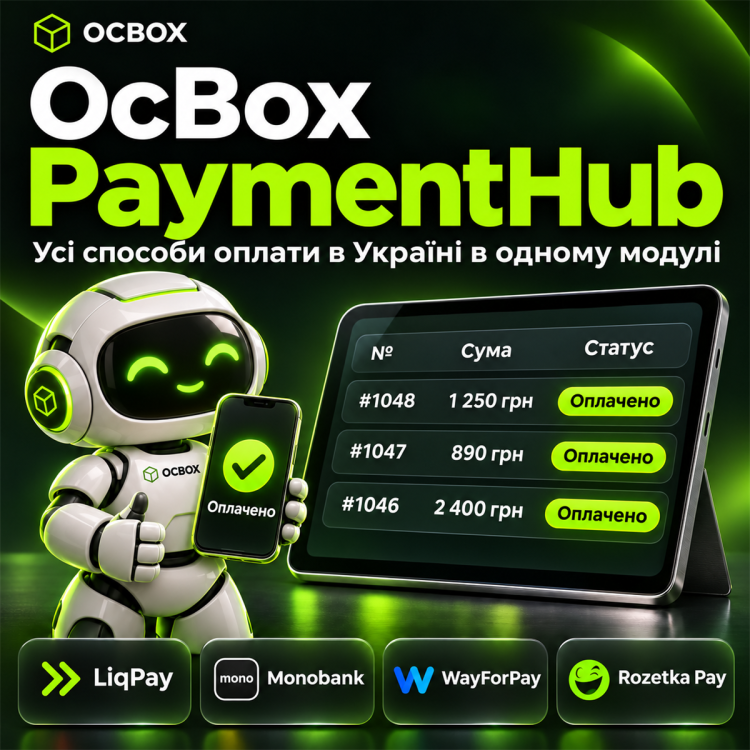 PaymentHub $80: payment hub |
 ShippingHub $80: shipping hub |
 SmartOrder $30: fast checkout |
 Shipping Rules $30: shipping rules |
 AI Мегарепорти $20: reports and Telegram digest |
 Simple Super Search $50: fuzzy search without Sphinx |
 OcBox MEGA $30: theme and modules bundle |
 AI Quiz $50: AI product quiz |
 Універсальний імпорт $50: supplier price import |
 Відгуки Pro $30: reviews with photo and video |
 Варіанти товару $30: size and color matrix |
OcBox MEGA is out: a ready-made store for OpenCart 3

A theme plus seven OcBox modules in one bundle: SmartOrder fast checkout, live search, filter, analytics and remarketing, reviews with photos, structured data and social login. Install it, set your colors and home page blocks, and the store is ready to sell.
$30 instead of $200 for the first 100 buyers.
Subscribe to our channel: t.me/ocboxchannel
Характеристики


-
Recently Browsing 0 members
- No registered users viewing this page.