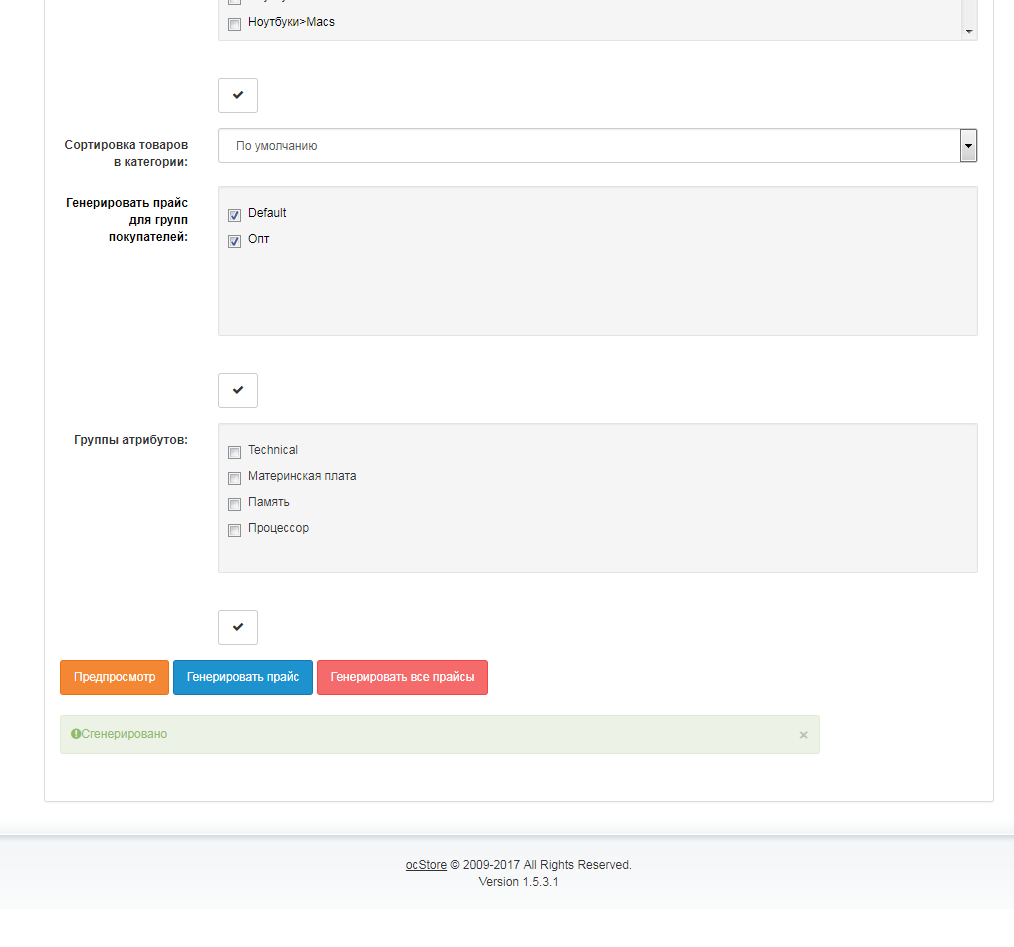
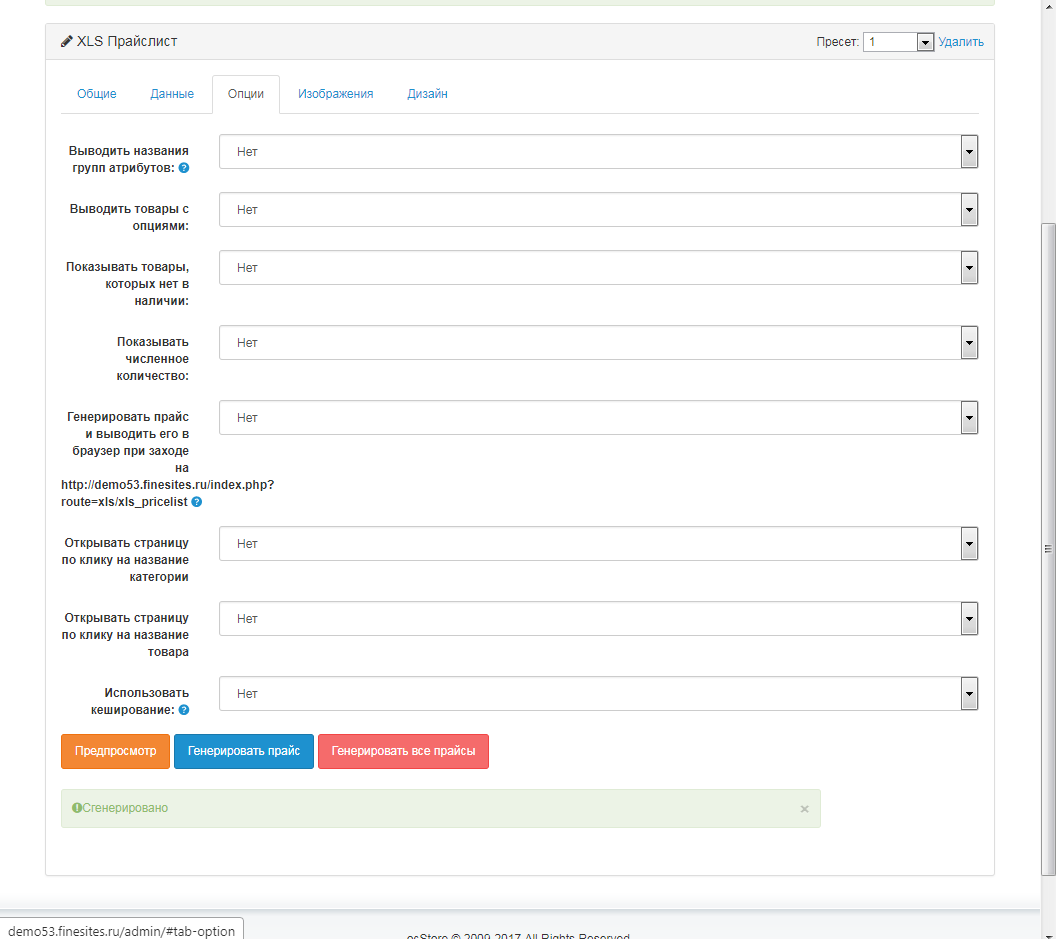
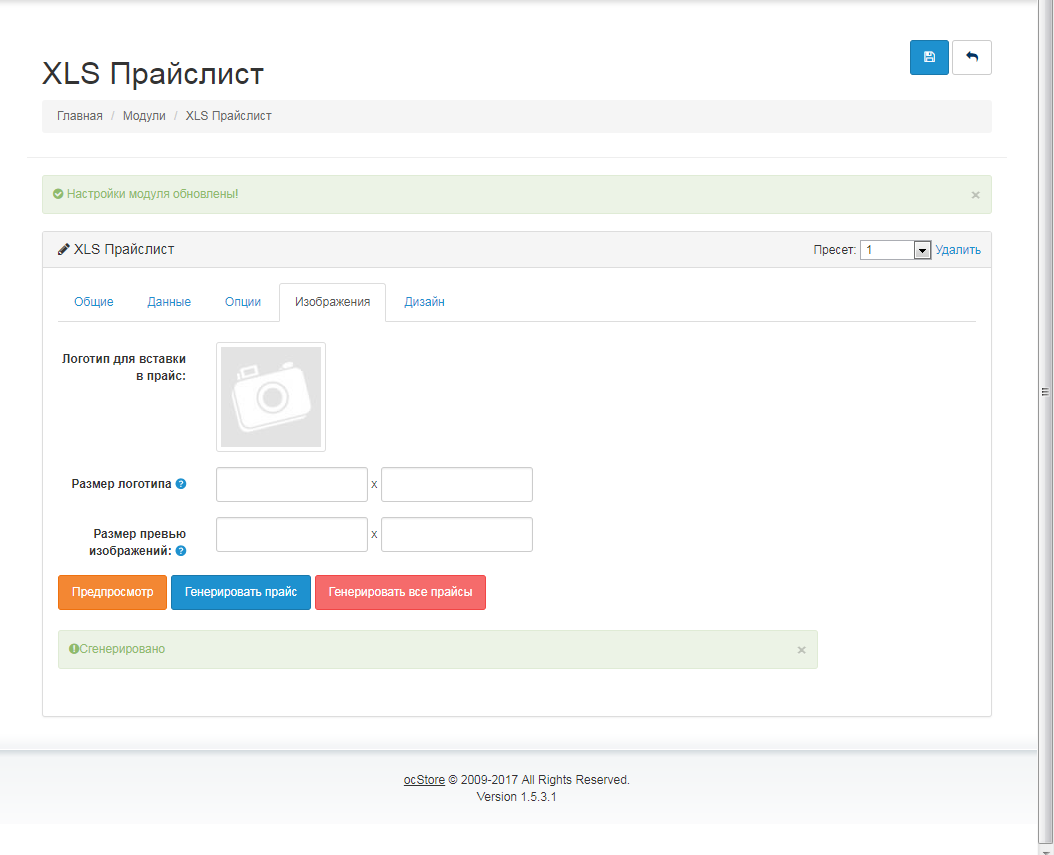
Генерируемый ПРАЙСЛИСТ .XLS для OcStore 1.5.x



Що можна обрати замість
Вирішують ту саму задачу, але іншим способом або частково.

Automate Price & Stock Management in OpenCart with Google Spreadsheets!
Updating prices and stock levels manually in OpenCart is time-consuming and inconvenient. The "Google Spreadsheets Data Exchange" module allows you to easily edit prices and stock levels directly in Google Sheets and then import them into OpenCart.
Why is this convenient?
Speed & flexibility – make changes in Google Sheets and update your store in one click. Bulk editing – update thousands of products without accessing the admin panel. Better data visualization – sort, filter, and analyze products in Google Sheets. Team collaboration – edit product data without giving access to the OpenCart admin panel. Export with category filtering – download selected product data, such as specific categories only. Import from multiple Google Sheets – update product data from supplier price lists. Scheduled import/export with CRON – automate data updates on a schedule. What data can be imported into OpenCart?
Price Stock quantity Product status Indexing/Noindex Promotional prices for customer groups (with start & end dates) Supported product identifiers: product_id, model, sku, upc, ean, jan, isbn, mpn What data can be exported from OpenCart to Google Sheets?
Price Stock quantity Product status Indexing/Noindex Promotional prices for customer groups Product identifiers: product_id, model, sku, upc, ean, jan, isbn, mpn What's included in the module?
After purchasing the module, you will receive:
composer_google_api.zip – Google API files (upload via FTP). google_spreadsheets_v_1_0_oc3.ocmod.zip – install via OpenCart. How to set up the module?
For importing into OpenCart: Get an API key with Google Sheets API enabled in Google Cloud. For exporting from OpenCart: Set up a Google Cloud service account and grant access to your spreadsheet. You can find more information about receiving and setting up in the video manual at the link below.
Installation Instructions
Unzip the composer_google_api.zip archive and transfer the contents to the root of the site using FTP. Install the module via OpenCart. Refresh modifications. Go to System → Users → User Groups and grant admin rights. Navigate to Extensions → Extensions → Modules, activate Google Spreadsheets, and configure it. DEMO
Admin Page login/password: demo/demodemo License:
Allowed for use in one online store.
Updating prices and stock levels manually in OpenCart is time-consuming and inconvenient. The "Google Spreadsheets Data Exchange" module allows you to easily edit prices and stock levels directly in Google Sheets and then import them into OpenCart.
Why is this convenient?
Speed & flexibility – make changes in Google Sheets and update your store in one click. Bulk editing – update thousands of products without accessing the admin panel. Better data visualization – sort, filter, and analyze products in Google Sheets. Team collaboration – edit product data without giving access to the OpenCart admin panel. Export with category filtering – download selected product data, such as specific categories only. Import from multiple Google Sheets – update product data from supplier price lists. Scheduled import/export with CRON – automate data updates on a schedule. What data can be imported into OpenCart?
Price Stock quantity Product status Indexing/Noindex Promotional prices for customer groups (with start & end dates) Supported product identifiers: product_id, model, sku, upc, ean, jan, isbn, mpn What data can be exported from OpenCart to Google Sheets?
Price Stock quantity Product status Indexing/Noindex Promotional prices for customer groups Product identifiers: product_id, model, sku, upc, ean, jan, isbn, mpn What's included in the module?
After purchasing the module, you will receive:
composer_google_api.zip – Google API files (upload via FTP). google_spreadsheets_v_1_0_oc3.ocmod.zip – install via OpenCart. How to set up the module?
For importing into OpenCart: Get an API key with Google Sheets API enabled in Google Cloud. For exporting from OpenCart: Set up a Google Cloud service account and grant access to your spreadsheet. You can find more information about receiving and setting up in the video manual at the link below.
Installation Instructions
Unzip the composer_google_api.zip archive and transfer the contents to the root of the site using FTP. Install the module via OpenCart. Refresh modifications. Go to System → Users → User Groups and grant admin rights. Navigate to Extensions → Extensions → Modules, activate Google Spreadsheets, and configure it. DEMO
Admin Page login/password: demo/demodemo License:
Allowed for use in one online store.
Updated
Data Exchange with Google Spreadsheets
460 грн
16 67
Не замінюють, але додають можливостей до цієї задачі або працюють у парі.

Модуль теперь бесплатный, доработки и правки платные
{AP} Excel Update v.1.0.0
Модуль позволяет обновлять наличие и основную цену в магазине с помощю Excel прайс-листа.
Установка
1. Скопируйте содержимое архива в корень сайта
2. Установите модуль в админке
Инструкция по обновлению остатков на складе
ВАЖНО! Первая строчка в прайс листе не учитывается
1. Настройка
1.1. - Заполните поля "Колонки парсинга" введля номера колонок соответствующих полей в прайс-листе.
Для отключение ненужных Вам колонок введите 0 в поле которое хотите отключить.
1.2. - Заполните поля "Диапазон парсинга" - это первая и последняя колонка в Вашем прайс-листе.
1.3. - Сохраните настройки. ВАЖНО! После каждого изменения настроек обезательно нужно сохраняться!
2. Обновление
2.1 - Загрузите прайс-лист в форму "Обновление остатков"
2.2 - Обновите остатки
2.3. Дождитесь завершения обновление. Для больших прайсов может потребоваться значительное время и ресурсы
Лицензия
1 Покупка = 1 Домен (сайт)
..
Updated
{AP} Update - Обновление складских остатков
Free
237
Інші рішення в тій самій області магазину.

A daily working tool for importing and exporting to Opencart — the "Automatic Processing of Price Lists" module is a full set of functions for filling and maintaining a store by one person.
Updated
Suppliers - XML, CSV, XLS Product Feed Import and Update
1,776 грн
8266 73396
-36%
 Придбати

Automatically import products from any website into your online store. Once configured, the module automatically parses on a schedule, downloads photos, creates categories, and updates prices.
Updated
Competitor Parser - website parsing for OpenCart/OcStore
1,800грн
1,150 грн
4 10

Модуль SimplePars предназначен для парсинга и наполнения интернет магазина.
Идея модуля заключается в том что бы вы могли заварить чашечку кофе и наблюдать как ваш магазин наполняется товарами.
Ведь намного приятнее наблюдать за строкой загрузки товара, чем заполнять каждую позицию вручную
Цена модуля снижена с 32$ до 26$ в связи с тем, что на данный момент мне сложно осуществлять полноценную техническую поддержку модуля. Сейчас у меня нет возможности отвечать всем в личных сообщениях. Надеюсь, в будущем это изменится
С 20.09.2024, покупая модуль, вы соглашаетесь с тем, что техническая поддержка модуля вам не будет предоставляться! Вы можете задавать свои вопросы в ветке модуля, где я и другие участники нашего сообщества будем отвечать по мере возможности.
Возможности модуля SimplePars
Основные задачи которые решает модуль это парсинг данных с сайта и последующее заполнение или обновление товаров в интернет магазине.
Вы можете как парсить напрямую в интернет магазин, так и парсить в Excel таблицу для дальнейшей обработки.
В двух словах не описать что умеет делать модуль, по этому обозначу только основные моменты.
- Полноценный парсер позволяющий парсить сайты и наполнять магазин товарами.
- Кроме загрузки возможно настройка обновления существующих товаров, цен, остатков и других элементов товара.
- Автоматическое создание категорий, производителей, атрибутов, опций, загрузка изображений и многое другое....
- Встроенный гибкий сборщик ссылок , который поможет собрать ссылки на необходимые товары.
- Возможно идентификация товара по разным значениям, подробнее об всех идентификаторах вы можете узнать здесь - Идентификаторы
- Доступна установка наценок любой сложности.
- Парсинг / Составление SEO шаблонов и заполнение Мета данных товара, категорий, производителей. Заполнение SEO_URL
- Формировать прайс csv с данными что вы парсите. Так же прайсы можно составлять в готовом формате для загрузки через АОП или любого другого загрузчика прайс листов.
- Поиск замена, мощный инструмент позволяющий вам налету изменять информацию. То есть вы можете изменять информацию которую вы парсите на лету.
- Поиск замена полностью поддерживает регулярные выражения.
- Модуль способен парсить в многопоточном режиме. Что делает парсинг максимально быстрым!
- Возможность настроить запросы для обхода блокировок со стороны донора.
- Поддержка работы с прокси.
- Собственный прокси чекер, позволяющий отобрать прокси сервера которые будут работать с конкретным донором.
- Возможна индивидуальная настройка запросов, Указание Cookies, User-Agent, Отправка собственных заголовков Headers
- Система логирования позволяющая контролировать процесс парсинга на любом этапе.
- Система кэширования сайта донора для безопасного парсинга.
- Встроенный редактор ссылок, позволяющий группировать ссылки по спискам, и производить загрузку определенных групп ссылок. Так же отслеживать ссылки которые парсятся с ошибками.
- Парсинг с автоматической авторизацией на сайте доноре. Инструкция по авторизации (Функция устарела. Данная фунция устарела и на многих сайтах уже не будет работать. То есть гарнтии что у вас будет работать я не даю.)
- NEW Автоматический парсинг по расписанию, при помощи CRON
- NEW Встроенный редактор товаров. Редактор товаров поможет сделать финальную правку товаров. Инструкция к редактору товаров
- NEW Парсер XML/YML документов от поставщика.
- NEW Парсинг сайтов с изображениями в формате WEBP !!!! Подробнее
- NEW Расширение возможностей парсера собственными PHP скриптами Подробнее!!!
- NEW Парсинг файлов в товар. Теперь вы можете парсить инструкции к товару или лбые другие файлы с сайта донора. Подробнее!!!
Вы можете указать любое количество границ парсинга, на любые данные что есть в html коде сайта донора.
SimplePars это универсальный инструмент который поможет вам наполнить ваш интернет магазин.
Обратите внимание что вы можете настроить парсинг на любые данные, и необязательно они должны быть совместимы с opencart. Вы можете парсить статьи, отзывы, блоги.
SimplePars адаптирован под работ с модулями.
HYPER PRODUCT MODELS - NEW
AJAX замена товара по моделям - HYPER PRODUCT MODELS - OC 2
AJAX замена товара по моделям - HYPER PRODUCT MODELS - OC 3
HYPER MULTI PRODUCT MODELS - NEW
HYPER MULTI PRODUCT MODELS - AJAX Мульти замена товара по моделям - OC 2
HYPER MULTI PRODUCT MODELS - AJAX Мульти замена товара по моделям - OC 3
Цены в опция.
Обновление цены при выборе опции, без AJAX - HYPER Dynamic price of options - OC 2
Обновление цены при выборе опции, без AJAX - HYPER Dynamic price of options - OC 3
Изображение в опциях.
Опции с вводом количества, артикулом и изображением OC 2
Опции с вводом количества, артикулом и изображением OC 3
Изображения опций PRO
Закупочная цена товара.
CostPrice - закупочная цена товаров в opencart
И это малая часть тех задач которые может выполнить данный модуль.
SimplePars разрабатывается как универсальный парсер, у него нету четких задач, у него есть только набор инструментов.
А что вы построите имея эти инструменты зависит только от вас.
Полная инструкция к модулю доступна по ссылке
Инструкция к модулю SimplePars
Видео-уроки по работе с модулем доступны по ссылке
Видео уроки по работе с модулем SimplePars
Вспомогательная программа по парсингу для декстопа.
Скачать на Windows
Скачать на Linux
Демо сайт для ознакомления с интерфейсом и возможностями модуля
Обратите внимание что на демо сайте парсинг недоступен.
http://demo.simplepars.top/admin/
Логин - demo
Пароль - demo
Лицензионное соглашение.
Ознакомится
Инструкция по установке.
Установка SimplePars
1. Зайдите в директорию вашей версии модуля и скопируйте все в корень сайта с заменой.
2. Введите в строке браузера ваш_сайт/inst.php и нажмите Enter.
3. Далее перейдите в раздел Система->Пользователи->Группы пользователей->Администратор нажмите выделить все в двух разделах:
Разрешить просмотр
Разрешить редактировать
Затем нажмите сохранить.
4. Зайдите в "Модификаторы" или "Менеджер дополнений", и нажмите Обновить.
5. После этого удалите в корне сайта файл inst.php
Все, модуль установлен.
В разделе Каталог под пунктом Производители появится пункт SimplePars это вход в модуль.
Инструкция по обновлению
1. Загрузить содержимое директории c названием вашей версии в корень сайта.
2. Выполнить ваш_сайт/inst.php
3. Удалить с корня сайта файл inst.php
После установки или обновления я вижу белый экран или ошибку 500
Если видите белый экран, то вам необходимо перейти в архив с модулем в директорию Other versions of PHP и там будут лежать файлы под все версии php.
Открываете папку с именем вашей версии php и загружаете содержимое в корень магазина...
Updated
SimplePars - Universal parser for IM
1,200 грн
2442 9203
-17%
Придбати

Do you need to quickly and easily export products from an online store on the Horoshop platform, or set up a regular import from a supplier who uses this system?
This module is specifically designed to be fully compatible with the structure and format of Horoshop export files. It allows you to automate updates to products, prices, inventory levels, and categories in your OpenCart store with minimal effort.
This module is specifically designed to be fully compatible with the structure and format of Horoshop export files. It allows you to automate updates to products, prices, inventory levels, and categories in your OpenCart store with minimal effort.
Updated
Automatic Import of XLSX Price Lists from Horoshop Module
599грн
499 грн
0 0

«Генерируемый ПРАЙСЛИСТ .XLS для OcStore 1.5.x» знято з продажу
Ми підібрали схожі модулі інших розробників — їх можна придбати вже зараз.
Інші варіанти
4.0
Ioncube Loader: Ні
Withdrawn from sale
The marketplace administration has withdrawn this file from sale
OpenCart1.5.6.4, 1.5.6.3, 1.5.6.2, 1.5.6.1, 1.5.6, 1.5.5.1, 1.5.5, 1.5.4.1, 1.5.3.1
ocStore1.5.5.1.2, 1.5.5.1.1, 1.5.5.1, 1.5.4.1.2, 1.5.4.1.1, 1.5.4.1, 1.5.3.1, 1.5.2.1, 1.5.1.3
License type На один домен + его поддомены
Activation method Без активации
Ioncube LoaderНі
Get request to server of developerНі
Downloads1,294
Submitted10/15/2012
Updated04/26/2022
File Size4.67 MB
When buying more 2 discount -50%
$7.50



-
Recently Browsing 0 members
- No registered users viewing this page.