
Створіть проект у Google Cloud Platform
Порядок дій:
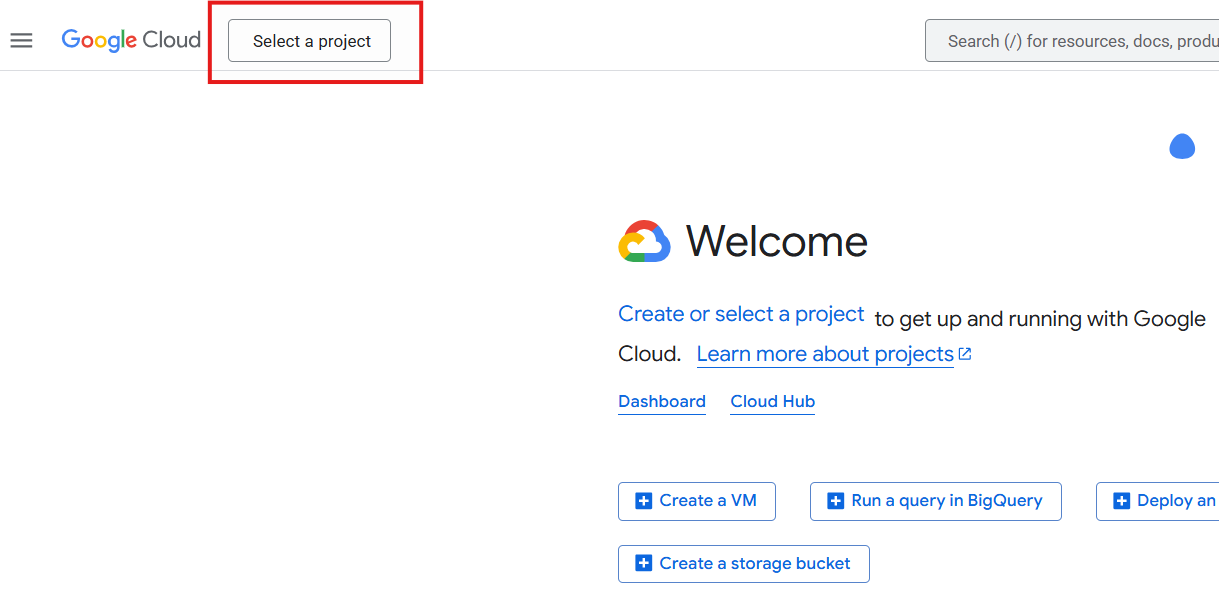
- Натисніть на значок вибору проектів у верхньому лівому куті.
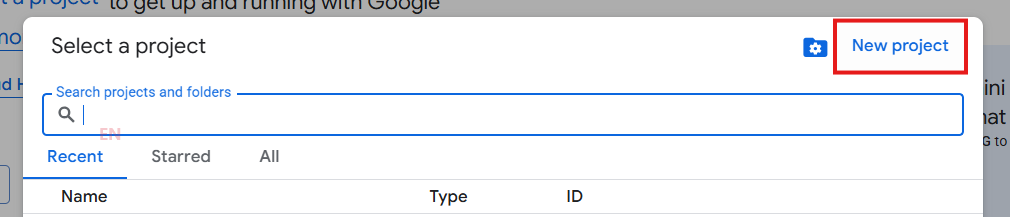
- У вікні, що з'явилось, натисніть кнопку NEW PROJECT.
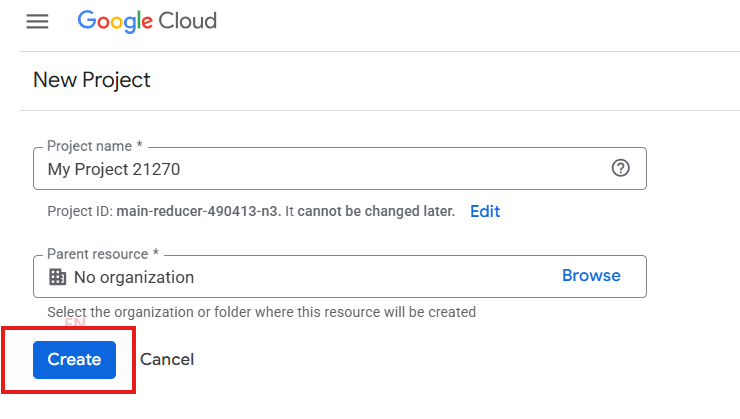
- Введіть назву проекту (або залиште запропоновану) і натисніть CREATE.
Порядок дій:
On our site, cookies are used and personal data is processed to improve the user interface. To find out what and what personal data we are processing, please go to the link. If you click "I agree," it means that you understand and accept all the conditions specified in this Privacy Notice.
There are no comments to display.