


User Feedback
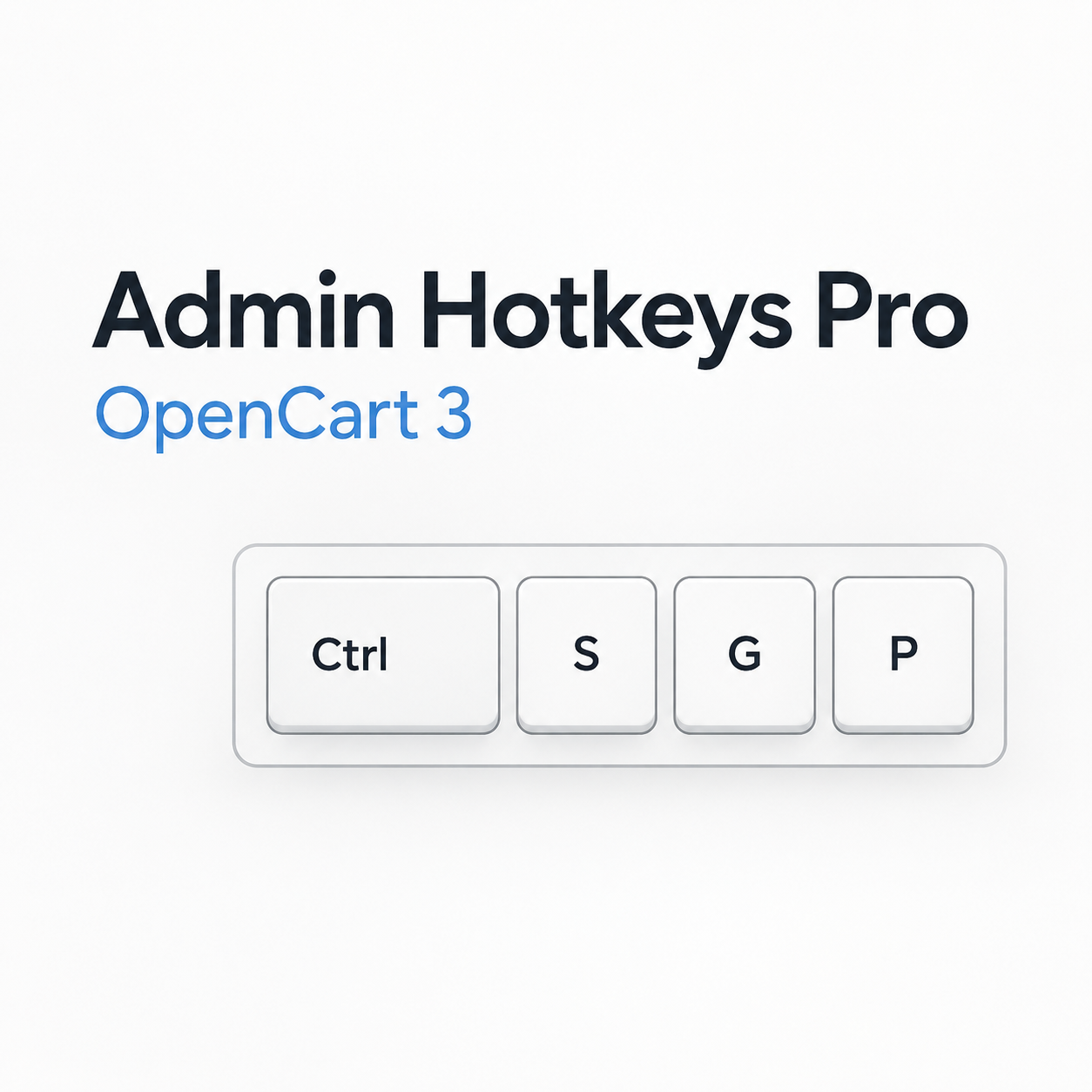
Admin Hotkeys Pro adds convenient hotkey management to the OpenCart admin panel. The module allows you to instantly save forms, navigate to products, categories, orders, customers, and other admin sections without extra menu clicks.
Key Features
- Navigation and Actions: quick access to main sections, adding products/categories, and opening the quick actions panel.
- Command Center: search commands by name and a separate window with information about available key combinations.
- Custom Routes: create custom actions with navigation to any admin panel pages.
- Flexible Editor: convenient key configuration, ability to enable/disable each command individually.
- Error Protection: automatic detection of duplicates, conflicts, and browser-reserved key combinations.
- Cross-Platform Support: full support for Windows, Linux, and macOS, and works regardless of keyboard layout language.
Quick Sequences (Navigation)
Navigation uses two-key sequences that do not conflict with browser system commands and do not trigger when entering text in forms:
-
G → D— Dashboard -
G → P— Products list -
A → P— Add Product -
G → C— Categories list -
A → C— Add Category -
G → O— Orders list -
G → U— Users / Customers list -
G → M— Manufacturers list -
G → E— Extensions -
G → H— Help
Flexible Configuration
In the module control panel you can:
- Change any key combinations or disable unnecessary actions.
- Restore default values with a single click.
- Add up to 3 custom commands with name and required route.
- Manage the display of the floating help button.
Conflict Protection: the module automatically recognizes browser-reserved key combinations and will suggest if any commands need to be corrected.
and automatically adding a link to the original source.
Характеристики
License typeНа один домен
Activation methodБез активації
Ioncube LoaderНі
В продажеДа
OpenCart3.0
ocStore3.0
Get request to server of developerНі
If the developer server is unavailableДополнение работает
СкидкаNo
Template compatibleНе впливає
AdaptationПлатна
LocalisationУкраїнська, Англійська, Російська
Версія1.0.0
File Size18.75 kB
Submitted10/06/2026
Updated10/26/2026
Previous FileContent Guard - text content protection for OpenCart 3
Next FileOcBox Admin Tabs — replace dropdown menus in OpenCart and ocStore admin with handy tabs (faster admin workflow for store owners)


-
Recently Browsing 0 members
- No registered users viewing this page.